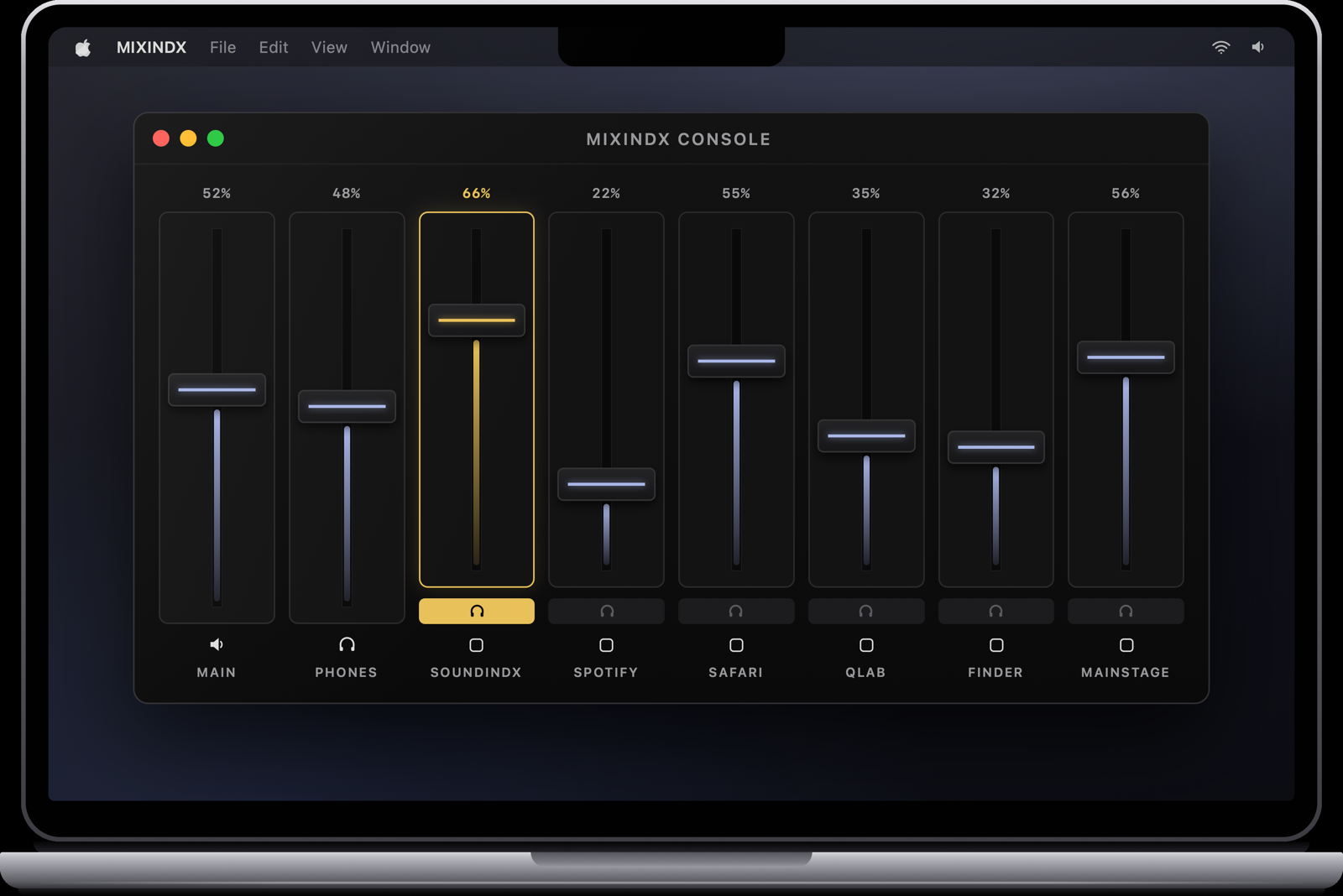
MIXINDX is a per-app mixing console for the Mac. Spotify, Safari, QLab, MainStage — each running app appears on its own channel with a fader and meters, mixed live from the menu bar or from an iPhone in your hand.
The MIXINDX console — one channel strip per running app.
Each running app gets its own channel automatically. Duck Spotify under a rehearsal, keep QLab at full, mute the browser — without touching the apps themselves.
Per-channel level meters show exactly which app is making noise before you hear it in the house.
One control silences everything instantly. For the moment a video call rings mid-show, there is a button for that.
Save the whole mix as a scene and recall it later — rehearsal mix, show mix, interval music, each one tap away.
Eight fader slots stay in sync between the Mac console and the iPhone companion. Pair with a PIN over Wi-Fi or a cable, then mix from anywhere in the room.
MIXINDX is a native menu bar app — no window clutter, launch at login, always one click away. Audio is routed locally on your Mac; nothing is recorded and nothing is sent anywhere.
Not quite yet. Our payment setup is being finalized and purchasing opens very soon. The full app is free to try for 30 days in the meantime — leave your email below and you'll know the minute sales open.
Per-app mixing works by routing each app's audio through MIXINDX, and macOS labels that capability as audio recording. Nothing is recorded and nothing leaves your Mac — the permission is what makes per-app faders possible at all.
macOS 15 Sequoia or newer on Apple silicon. The iPhone remote is a free companion app, currently distributed through TestFlight.
Yes — anything that plays audio on your Mac shows up on its own channel: browsers, music apps, show control, DAWs, video calls.
MIXINDX checks for updates itself and installs them in place. See support & setup for the getting-started guide.
Buying isn't possible just yet — leave your email and you'll be the first to know when it is. Meanwhile the full app is free to try.